Starting from:
$0
Home
VSKYLABS VersionCheck!
VSKYLABS VersionCheck!
1 reviews
Version: v1.0 Alpha 18
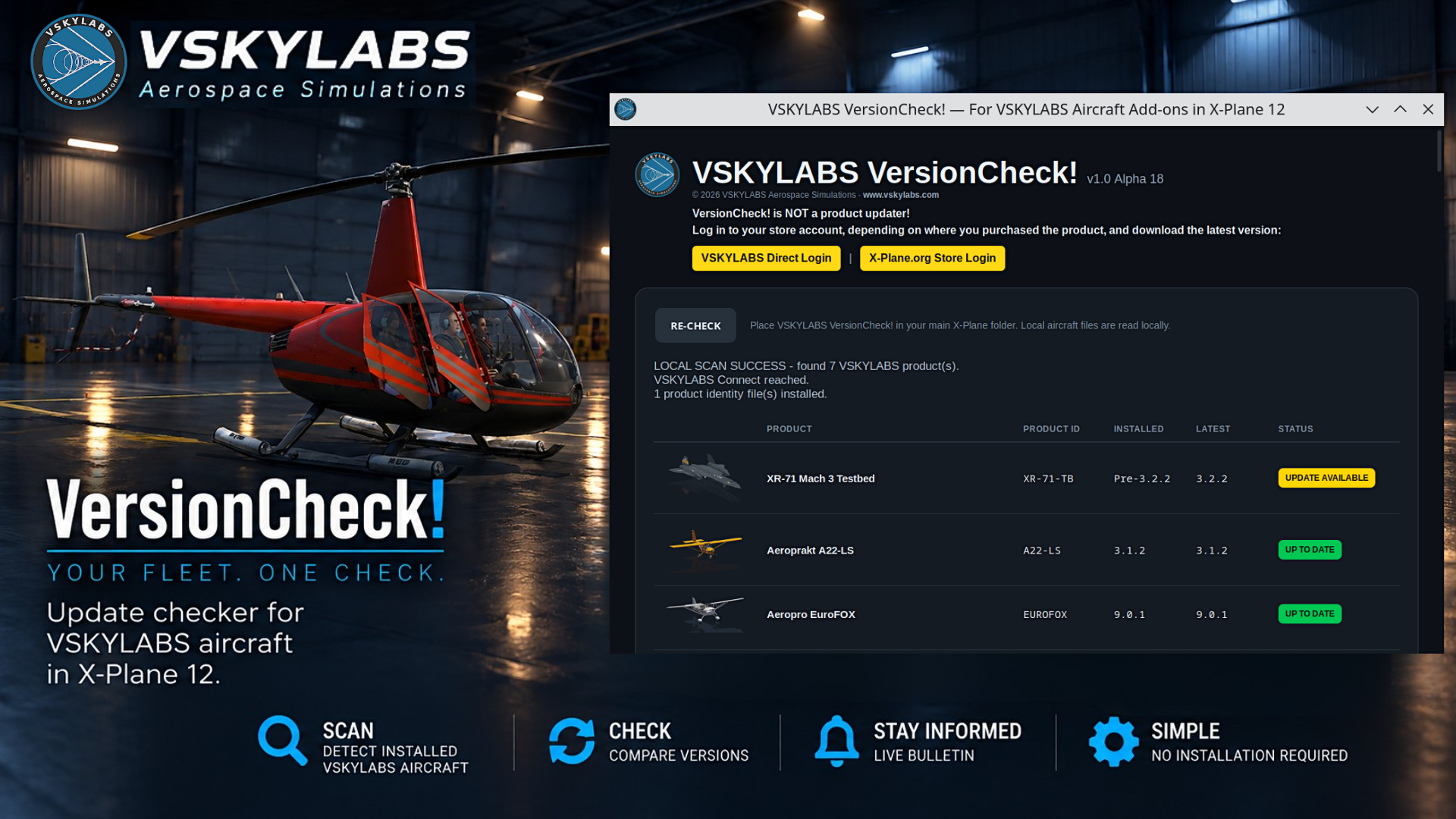
Update checker for VSKYLABS aircraft in X-Plane 12.
INSTALLATION:
- Extract the downloaded ZIP.
- Copy the appropriate executable into your main X-Plane 12 folder:
- Windows 64-bit: win_x64.exe
- Linux 64-bit (Intel/AMD): linux_x64
- Linux ARM 64-bit: linux_arm64
- Linux ARM 32-bit: linux_armhf
- macOS Intel: mac_x64
- macOS Apple Silicon: mac_arm64
- macOS Universal: mac_universal (supports both Intel and Apple Silicon)
- Run the executable.
USAGE:
- This is not an updater application
- VersionCheck! automatically scans your installed VSKYLABS aircraft and checks for available updates.
- Use RE-CHECK to perform another scan.
IMPORTANT:
- An internet connection is required to check for updates.
- VersionCheck! does not download or install aircraft updates.
- This is an ALPHA release. Unexpected behavior may occur.
- LICENSE.txt, README.txt & THIRD-PARTY-NOTICES.txt are supplements inside the package.
© VSKYLABS Aerospace Simulations
1 file (8.6MB)
©Copyright 2026 VSKYLABS Aerospace Simulations | All Rights Reserved.